# Overview: RAXWireless CRM
This document is an overview of the front-end functionalities available to client users of the RAXWireless CRM.
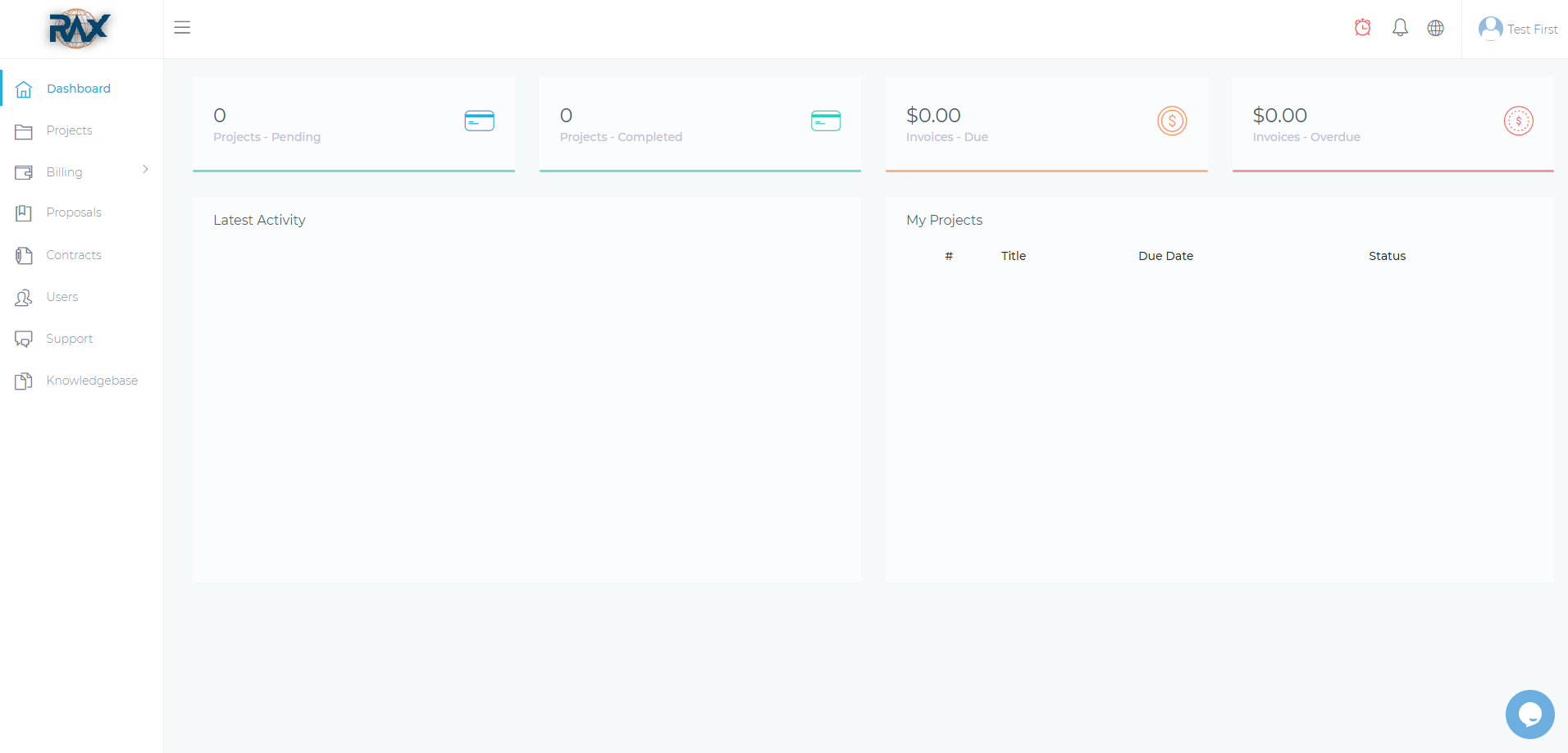
Figure 1. The RAXWireless CRM
The CRM consists of the following:
# Upper Pane
The upper pane contains expand/collapse button, notification bell, language selector, and user menu.

Figure 2. The upper pane of the RAXWireless CRM
The following are the icons that appear in the upper pane of RAXWireless CRM:
- Company logo. Your company logo appears at the rightmost part of the upper pane.
- Hamburger menu. The hamburger menu opens the sidebar navigation area.
- Notification bell. The notification bell opens the Notifications pane where you can find all of the notifications in your account.
# Sidebar
The sidebar of RAXWireless CRM provides centralized navigation that allows you to switch to the different pages of the app. The options available in the sidebar depends on the type of client e.g. subscription-based or one-time clients.

Figure 3. The options in the sidebar of a user with client access
# Main Content Area
The main content area displays your accumulated points, pending and completed projects, and due and overdue invoices. It also gives you a view of your latest activity and your list of projects.
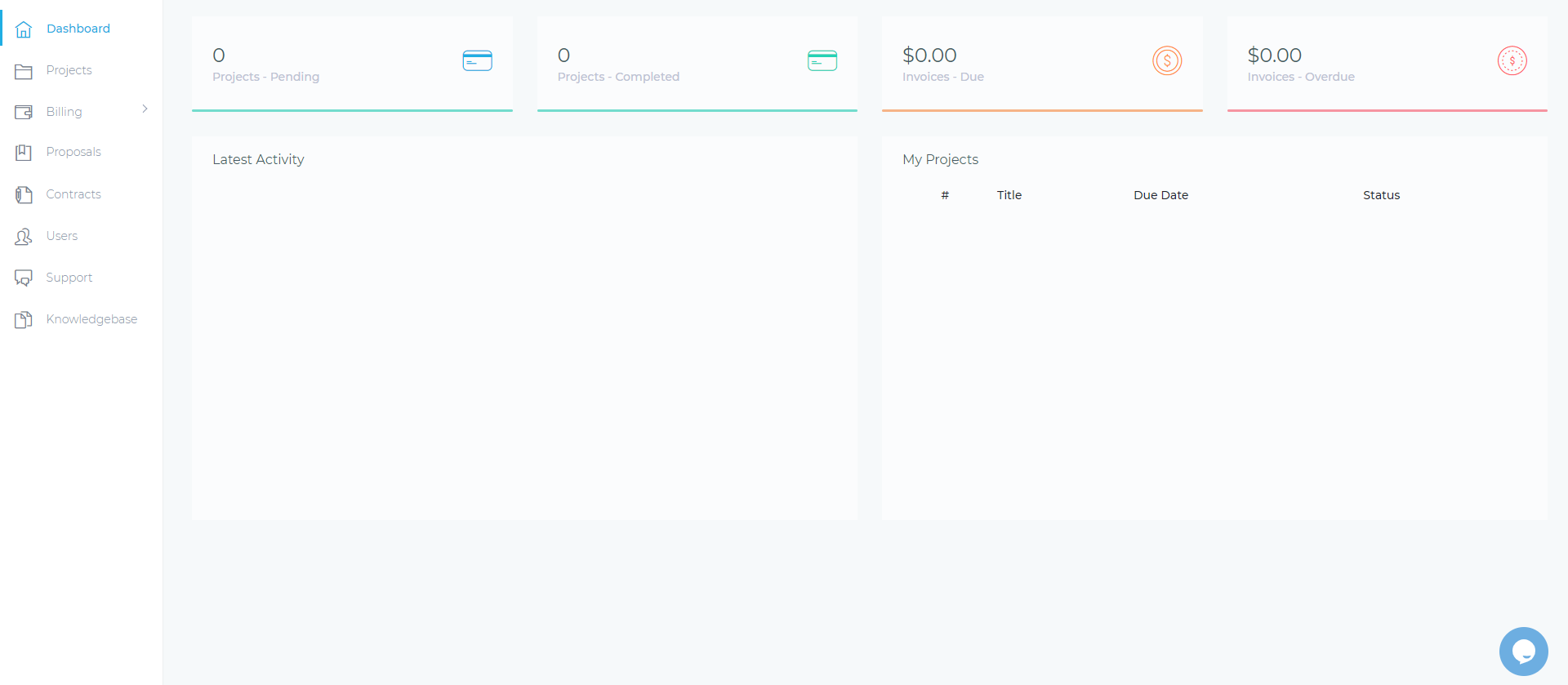
Figure 4. The main content area of RAXWireless CRM